SHD / MC Checker

MC584834 | (Updated) PDF Tools app retirement


MC584834 | (Updated) PDF Tools app retirement

Classification planForChange
Last Updated 06/24/2023 07:20:16
Start Time 06/12/2023 23:50:19
End Time 08/21/2023 07:00:00
Message Content

Updated June 24, 2023: We have updated the content below with additional information. Thank you for your feedback.

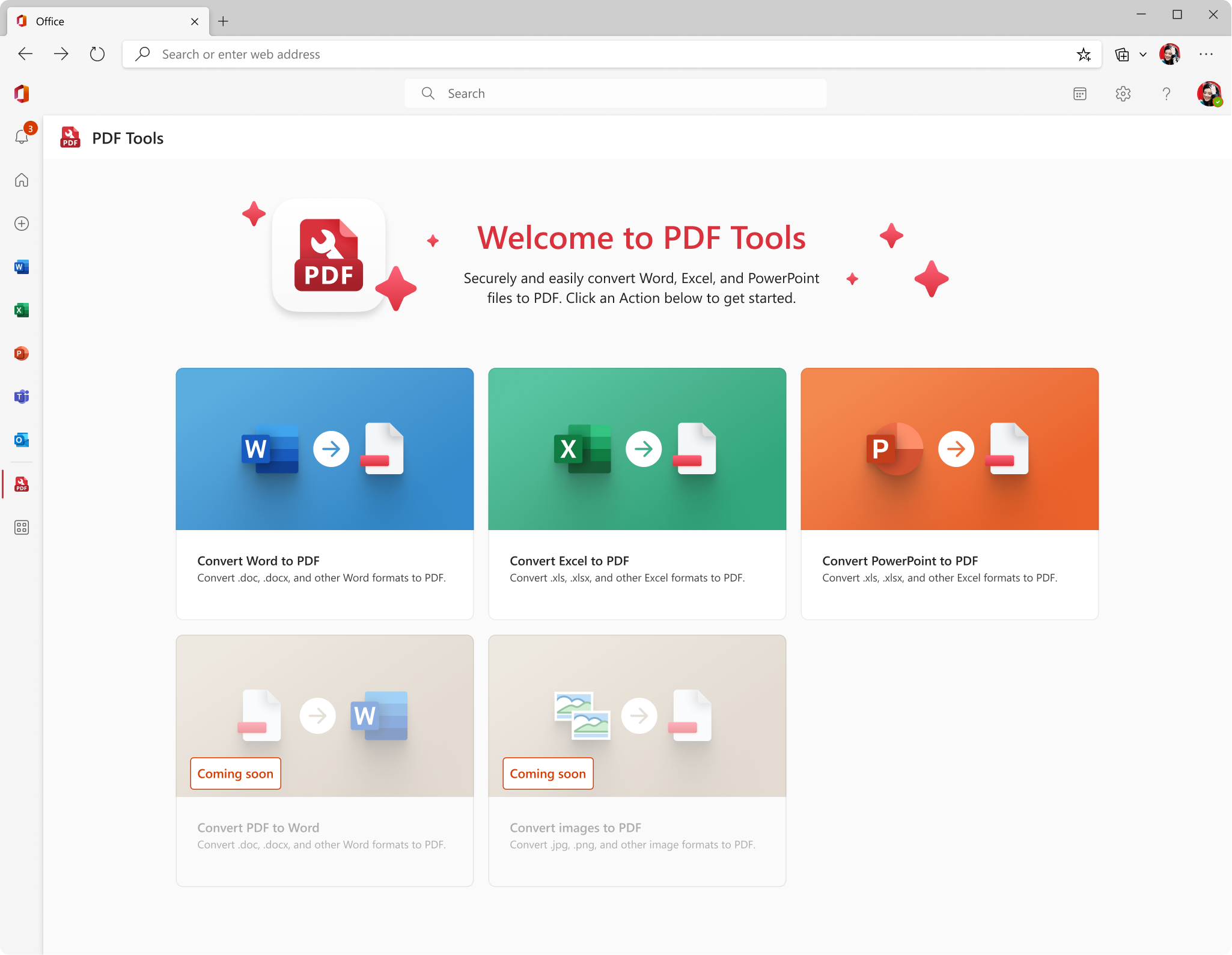
We will be retiring the PDF Tools app from Teams, Office and Outlook store by mid-July, 2023.

Please note that this doesn’t take away the ability to open PDFs on Teams, Outlook and other existing apps or convert to PDFs on the Word, Excel or PowerPoint apps. No use case outside of the app’s usage will be impacted by this change.

[When this will happen:]

Mid-July, 2023

[How this will affect your organization:]

Users or Administrators will no longer be able to use this app, when this change is implemented.

Instead, we recommend the utilization of following apps and features, which is where we will continue to invest our development resources:

  1. If you are on a web or desktop endpoint, to convert a Word, Excel or PowerPoint file to PDF, open the file in the respective Word, Excel or PowerPoint app. Click on File -> Export -> Create PDF. Alternatively, you can go to File -> Print -> Select “Microsoft Print to PDF”.
    • If you have an Adobe license, you can directly click on File -> Save as Adobe PDF.
  2. If you have access to Office.com, you can right click on any file without opening it and select “Convert to PDF” to directly convert the file to PDF.
  3. If you are on a mobile endpoint, use the Microsoft 365 mobile app on Android or iOS.
    • On Android, Go to “Apps” tab -> Select “PDF Tools” -> “Document to PDF”.
    • On iOS, Go to “Apps” tab -> Select “Document to PDF”.
    • This app has a host of other PDF related features like Scan to PDF, Pictures to PDF, PDF to Word etc. that you can use for FREE.
  4. If you are familiar with any other existing mechanisms to convert your documents to PDF, please continue using them. Those won’t be impacted by this change.

[What you can do to prepare:]

You may consider updating your training and documentation as appropriate.

Machine Translation

2023年6月24日更新:以下のコンテンツを追加情報で更新しました。ご意見ありがとうございます。

PDF ツール アプリは、2023 年 7 月中旬までに Teams、Office、Outlook ストアから廃止されます。

これにより、Teams、Outlook、およびその他の既存のアプリでPDFを開いたり、Word、Excel、またはPowerPointアプリでPDFに変換したりする機能が失われないことに注意してください。アプリの使用以外のユース ケースは、この変更の影響を受けません。

[これが起こるとき:]

2023年7月中旬

[これが組織に与える影響:]

この変更が実装されると、ユーザーまたは管理者はこのアプリを使用できなくなります。

代わりに、次のアプリと機能を利用することをお勧めします, 開発リソースを引き続き投資する場所です:

  1. ウェブまたはデスクトップのエンドポイントを使用している場合、Word、Excel、またはPowerPointファイルをPDFに変換するには、それぞれのWord、Excel、またはPowerPointアプリでファイルを開きます。[ファイル]-[>エクスポート]->[PDFの作成]をクリックします。または、[ファイル]-[>印刷]->[MicrosoftからPDFへの印刷]を選択することもできます。
    • アドビライセンスをお持ちの場合は、[ファイル]-[>Adobe PDFとして保存]を直接クリックできます。
  2. Office.com にアクセスできる場合は、ファイルを開かずに右クリックし、[PDFに変換]を選択して、ファイルを直接PDFに変換できます。
  3. モバイル エンドポイントを使用している場合は、Android または iOS で Microsoft 365 モバイル アプリを使用します。
    • Androidでは、「アプリ」タブに移動し、「PDFツール」>>「ドキュメントからPDFへ」を選択します。
    • iOSでは、「アプリ」タブに移動し>「ドキュメントからPDFへ」を選択します。
    • このアプリには、スキャンからPDF、画像からPDF、PDFからWordなど、他の多くのPDF関連機能があります。あなたが無料で使用できること。
  4. ドキュメントをPDFに変換する他の既存のメカニズムに精通している場合は、引き続き使用してください。これらは、この変更の影響を受けません。

【準備できること:】

必要に応じて、トレーニングとドキュメントを更新することを検討してください。