| MC611680 | Make calls through speed dial and call history on Apple CarPlay |
|---|
| Classification | stayInformed |
|---|---|
| Last Updated | 06/27/2023 23:09:52 |
| Start Time | 06/27/2023 23:09:38 |
| End Time | 11/09/2023 08:00:00 |
| Message Content |
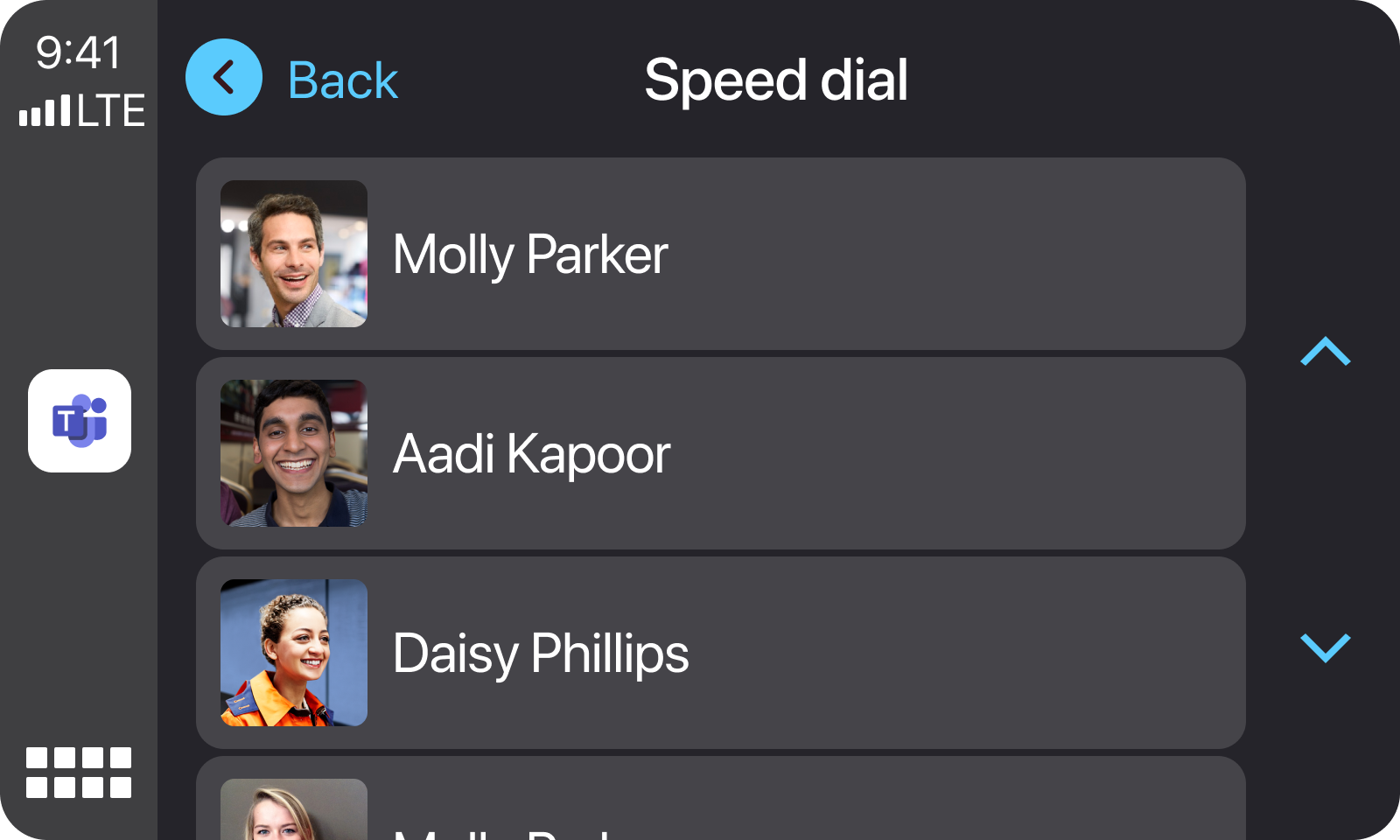
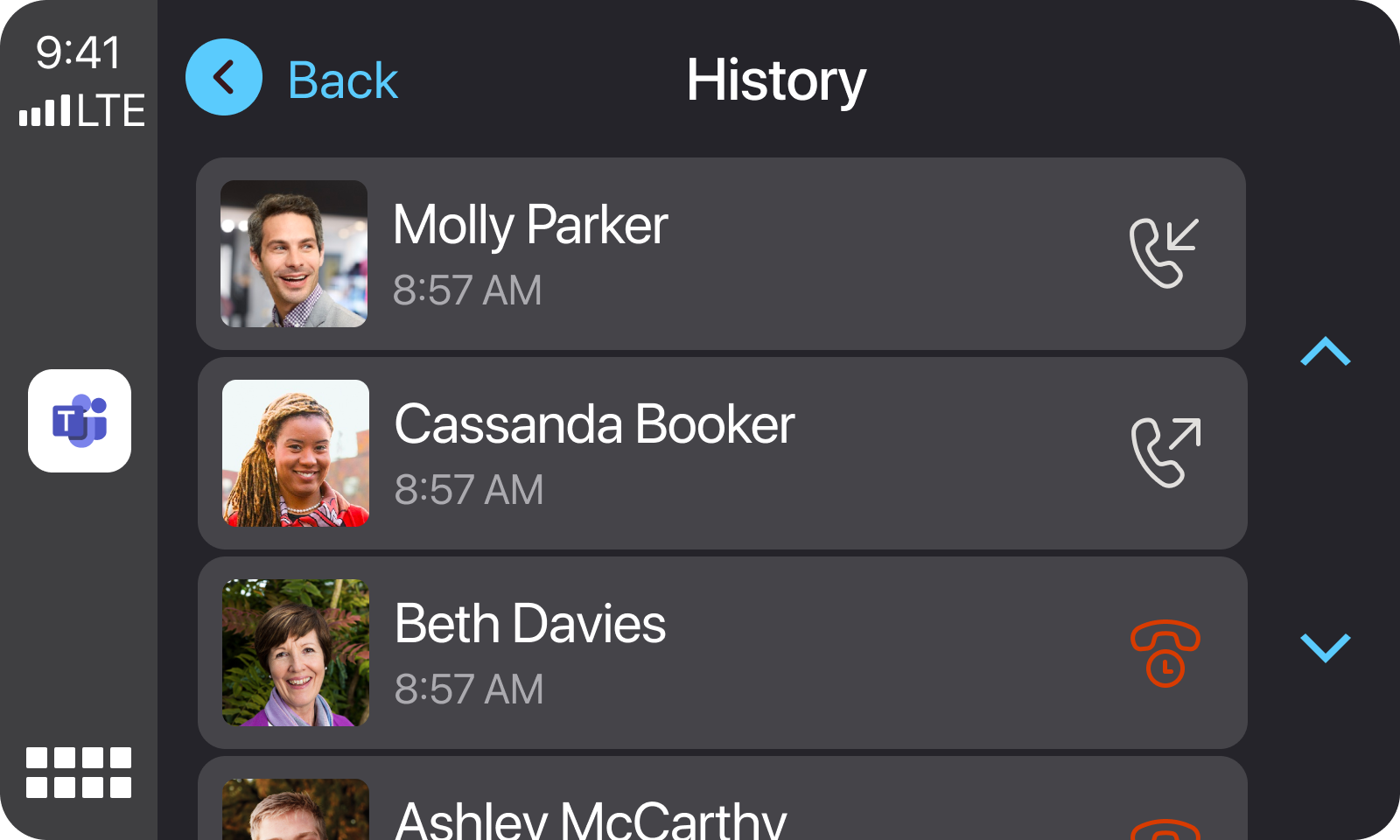
Users can now easily call their speed dial contacts and get back to their recent calls on Apple CarPlay with Teams after connecting iPhone to vehicles that support Apple CarPlay.
This message is associated with Microsoft 365 Roadmap ID 125556
[When this will happen:] Production and GCC: We will begin rollout in mid-July and expect to complete rollout by early August. GCC-High and DoD: We will begin rollout in early September and expect to complete by early October. [How this will affect your organization:] Users in your organization can now make calls to their speed dial contacts and get back to recent calls on Teams on Apple CarPlay with your iPhone.
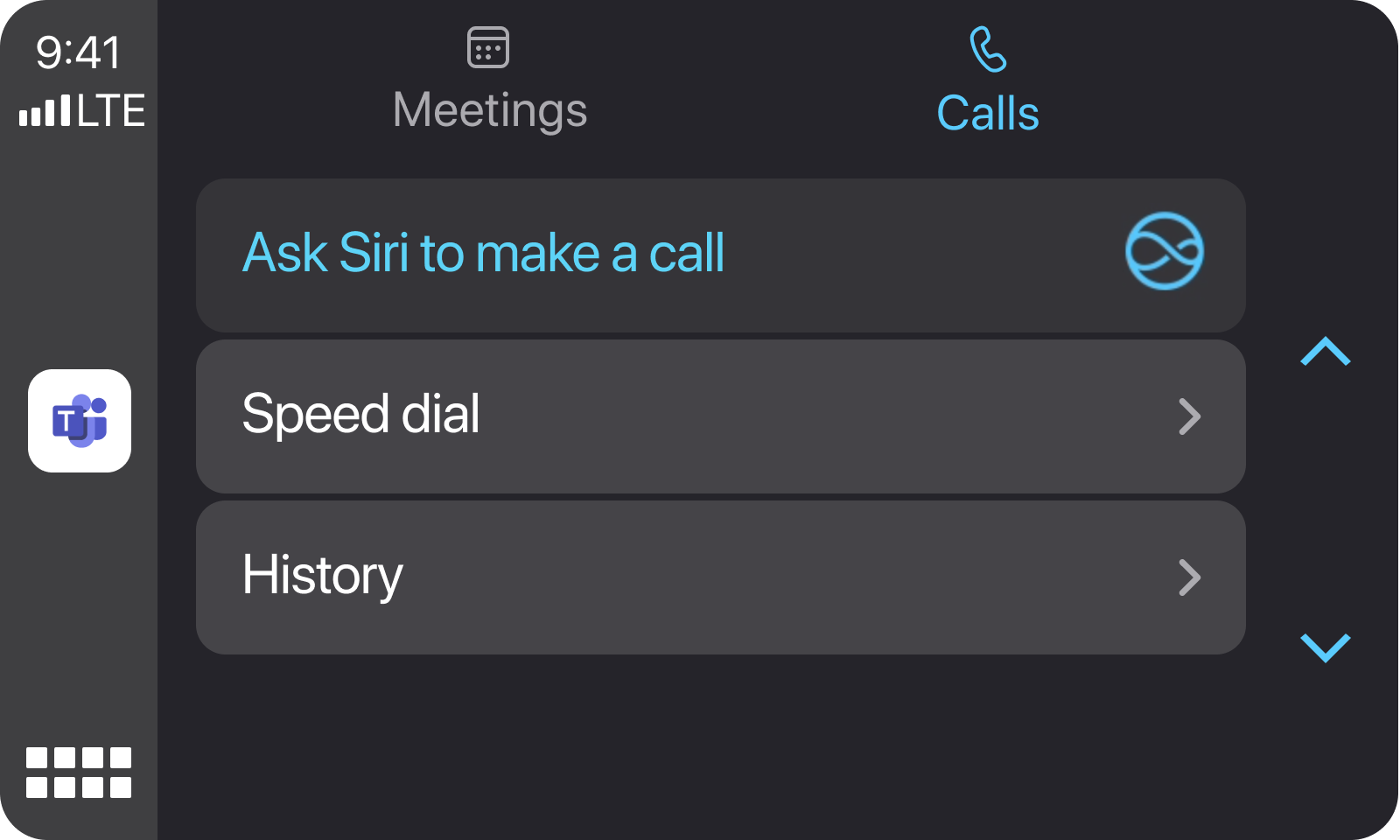
After tapping the Teams icon and navigating to the Calls tab (which is next to Meetings tab), users can either choose to access speed dial contacts or call history.
[What you need to do to prepare: No specific action is required as this will be available to all Teams users and not gated by an admin policy. |
| Machine Translation |
ユーザーは、iPhone を Apple CarPlay をサポートする車両に接続した後、短縮ダイヤルの連絡先に簡単に電話をかけ、Apple CarPlay with Teams で最近の通話に戻ることができるようになりました。
このメッセージは、Microsoft 365 ロードマップ ID に関連付けられています125556
[これが起こるとき:] 本番環境と GCC: ロールアウトは 7 月中旬に開始され、8 月上旬までに完了する予定です。 GCC-HighおよびDoD:9月初旬にロールアウトを開始し、10月上旬までに完了する予定です。 [これが組織に与える影響:] 組織内のユーザーは、短縮ダイヤルの連絡先に電話をかけたり、iPhone を使用して Apple CarPlay 上の Teams で最近の通話に戻ったりできるようになりました。
[チーム] アイコンをタップし、[通話] タブ ([会議] タブの横) に移動した後、ユーザーは短縮ダイヤルの連絡先にアクセスするか、通話履歴にアクセスするかを選択できます。
[準備するために必要なこと: これはすべての Teams ユーザーが利用でき、管理ポリシーによってゲートされないため、特別なアクションは必要ありません。 |