| MC678309 | Microsoft Teams: Usability Improvements in Shifts app |
|---|
| Classification | stayInformed |
|---|---|
| Last Updated | 09/29/2023 22:51:34 |
| Start Time | 09/29/2023 22:51:26 |
| End Time | 12/31/2024 08:00:00 |
| Message Content |
We are thrilled to announce a series of exciting product enhancements in Shifts designed to empower frontline managers and workers to achieve more:
This message is associated with Microsoft 365 Roadmap ID 146855 [When this will happen:] We will begin rolling out in early October 2023 and expect to complete rollout by late November 2023. [How this will affect your organization:] Now, managers have the flexibility to add day notes using the Graph API, in addition to the Shifts app. This powerful capability allows customers to seamlessly integrate relevant day notes from third-party or line-of-business applications, enhancing the Shifts experience.
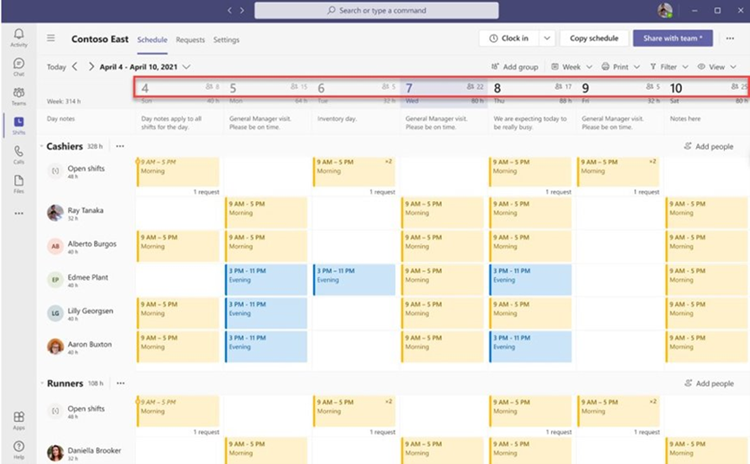
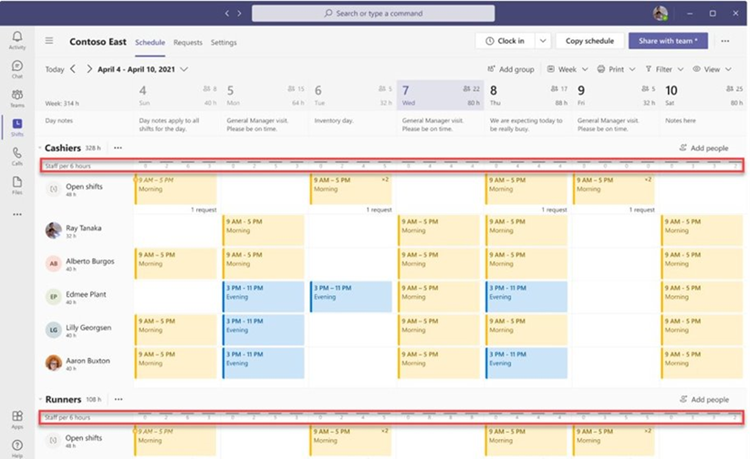
Frontline managers can now make more informed staffing decisions with the introduction of the people count display on the Shifts calendar (team level and schedule group level).
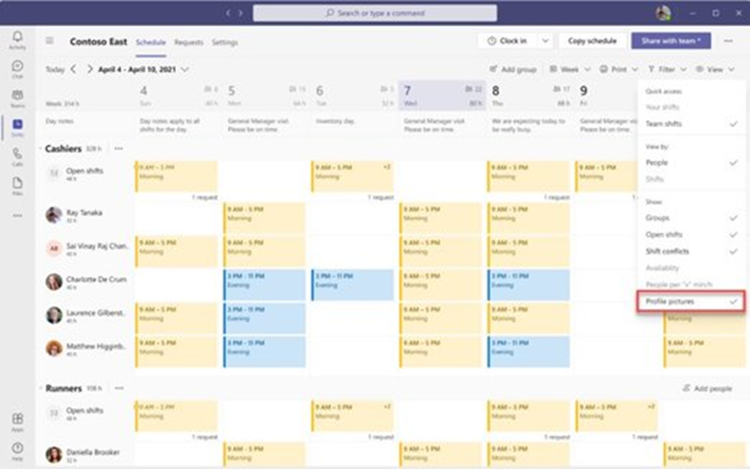
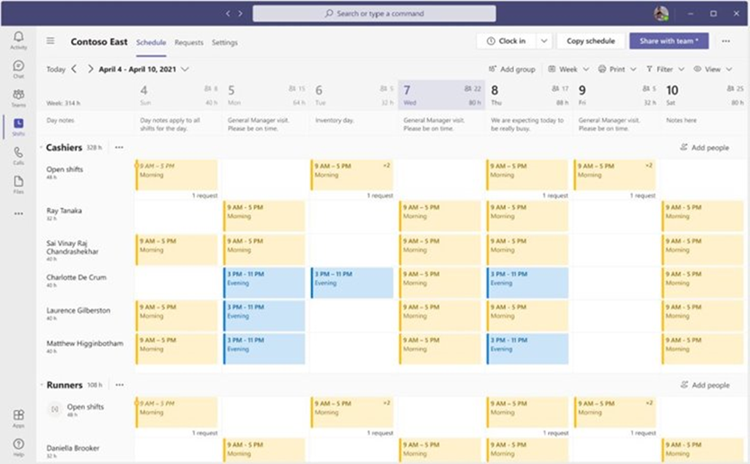
Team members’ full names will also now be visible in the team schedule.
This new feature automatically saves the last filter settings, so when users relaunch the Shifts app, their preferred view from the last session is readily available.
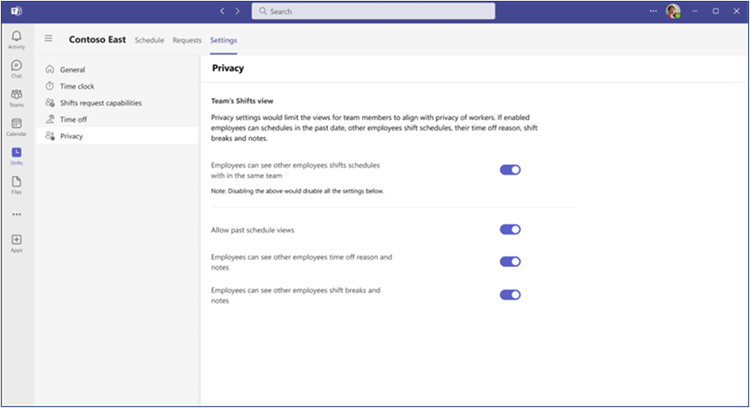
Managers can save time when in Day view by seeing the Shifts’ notes inline. Frontline managers now have the power to manage time-off reasons and notes visibility for their employees, enhancing data privacy and control.
[What you need to do to prepare:] There is nothing you need to do to prepare for these changes. You may want to notify users of these updates. |
| Machine Translation |
Shiftsの一連のエキサイティングな製品機能強化を発表できることを嬉しく思います。
このメッセージは、Microsoft 365 ロードマップ ID に関連付けられています 146855 [これが起こるとき:] 2023 年 10 月初旬にロールアウトを開始し、2023 年 11 月下旬までにロールアウトを完了する予定です。 [これが組織に与える影響:] 現在、マネージャーは、シフト アプリに加えて、Graph API を使用して日記を柔軟に追加できます。この強力な機能により、お客様はサードパーティまたは基幹業務アプリケーションからの関連する日記をシームレスに統合し、Shiftsエクスペリエンスを向上させることができます。
現場マネージャーは、シフト カレンダー (チーム レベルおよびスケジュール グループ レベル) に人数表示を導入することで、より多くの情報に基づいた人員配置の決定を下せるようになりました。
チームメンバーのフルネームもチームスケジュールに表示されるようになります。
この新機能は最後のフィルター設定を自動的に保存するため、ユーザーがShiftsアプリを再起動すると、最後のセッションの好みのビューをすぐに利用できます。
マネージャは、シフトのメモをインラインで表示することで、 日ビュー で時間を節約できます。 フロントラインマネージャーは、休暇の理由を管理し、従業員のメモの可視性を管理し、データのプライバシーと制御を強化できるようになりました。
[準備するために必要なこと:] これらの変更に備えるために行う必要があるものは何もありません。これらの更新プログラムをユーザーに通知できます。 |