| MC698135 | Microsoft Stream: View and Edit mode toggle |
|---|
| Classification | stayInformed |
|---|---|
| Last Updated | 12/14/2023 04:20:23 |
| Start Time | 12/14/2023 04:20:04 |
| End Time | 03/05/2025 08:00:00 |
| Message Content |
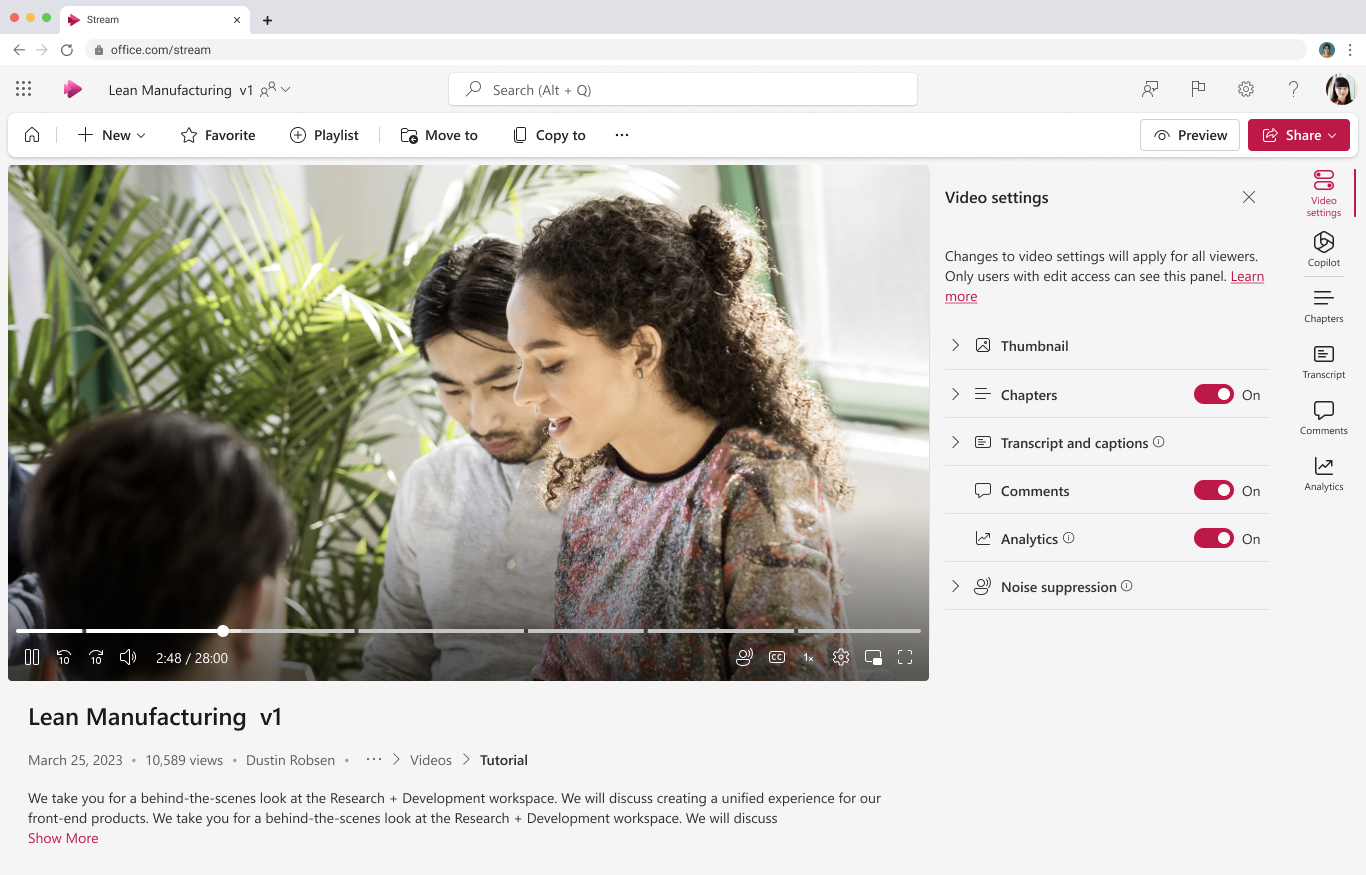
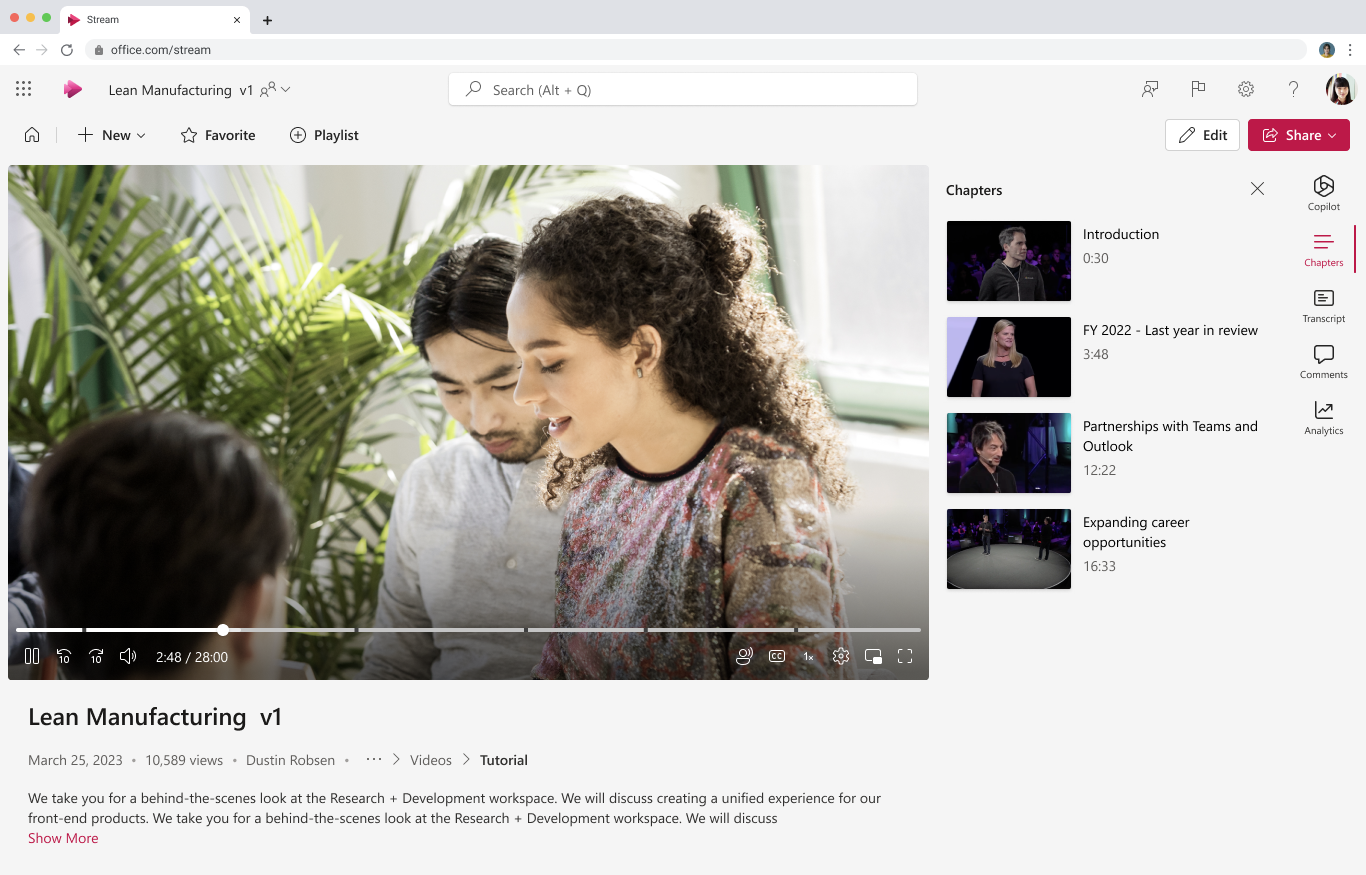
You will be able to toggle between View and Edit modes when viewing a Stream video. In View mode users can only view the video. In Edit mode users with edit permission can edit the video metadata such as title, description, chapters, and transcript. The default mode will be View. The View/Edit mode toggle is designed to prevent accidental edits to video metadata. This message is associated with Microsoft 365 Roadmap ID 124992 [When this will happen:] These additional features will be rolled out to Production in mid-December 2023 and complete in January 2024. [How this will affect your organization:] This feature allows users with editing permissions on videos to toggle between View and Edit modes when viewing a Stream video. In View mode users can only view the video. In Edit mode users with edit permission can edit the video metadata such as title, description, chapters, and transcript. The default mode will be View. The View/Edit mode toggle is designed to prevent accidental edits to video metadata. Note: Some users may see this feature before other users with your organization.
[What you need to do to prepare:]
You may consider updating your training and documentation as appropriate. |
| Machine Translation |
ストリームビデオを表示するときに、表示モードと編集モードを切り替えることができます。表示モードでは、ユーザーはビデオの表示のみが可能です。編集モードでは、編集権限を持つユーザーは、タイトル、説明、チャプター、トランスクリプトなどのビデオメタデータを編集できます。デフォルトのモードは [表示] です。表示/編集モードの切り替えは、ビデオメタデータが誤って編集されるのを防ぐように設計されています。 このメッセージは、Microsoft 365 ロードマップ ID 124992に関連付けられています [これがいつ起こるか:] これらの追加機能は、2023 年 12 月中旬に本番環境にロールアウトされ、2024 年 1 月に完了する予定です。 [これが組織に及ぼす影響:] この機能を使用すると、動画の編集権限を持つユーザーは、ストリーム動画の視聴時に表示モードと編集モードを切り替えることができます。表示モードでは、ユーザーはビデオの表示のみが可能です。編集モードでは、編集権限を持つユーザーは、タイトル、説明、チャプター、トランスクリプトなどのビデオメタデータを編集できます。デフォルトのモードは [表示] です。表示/編集モードの切り替えは、ビデオメタデータが誤って編集されるのを防ぐように設計されています。 注: 一部のユーザーには、組織の他のユーザーよりも先にこの機能が表示される場合があります。
[準備に必要なこと:]
必要に応じて、トレーニングとドキュメントの更新を検討してください。 |