| MC777847 | Loop components in Microsoft OneNote |
|---|
| Classification | stayInformed |
|---|---|
| Last Updated | 04/15/2024 23:06:58 |
| Start Time | 04/15/2024 23:06:29 |
| End Time | 09/02/2024 07:00:00 |
| Message Content |
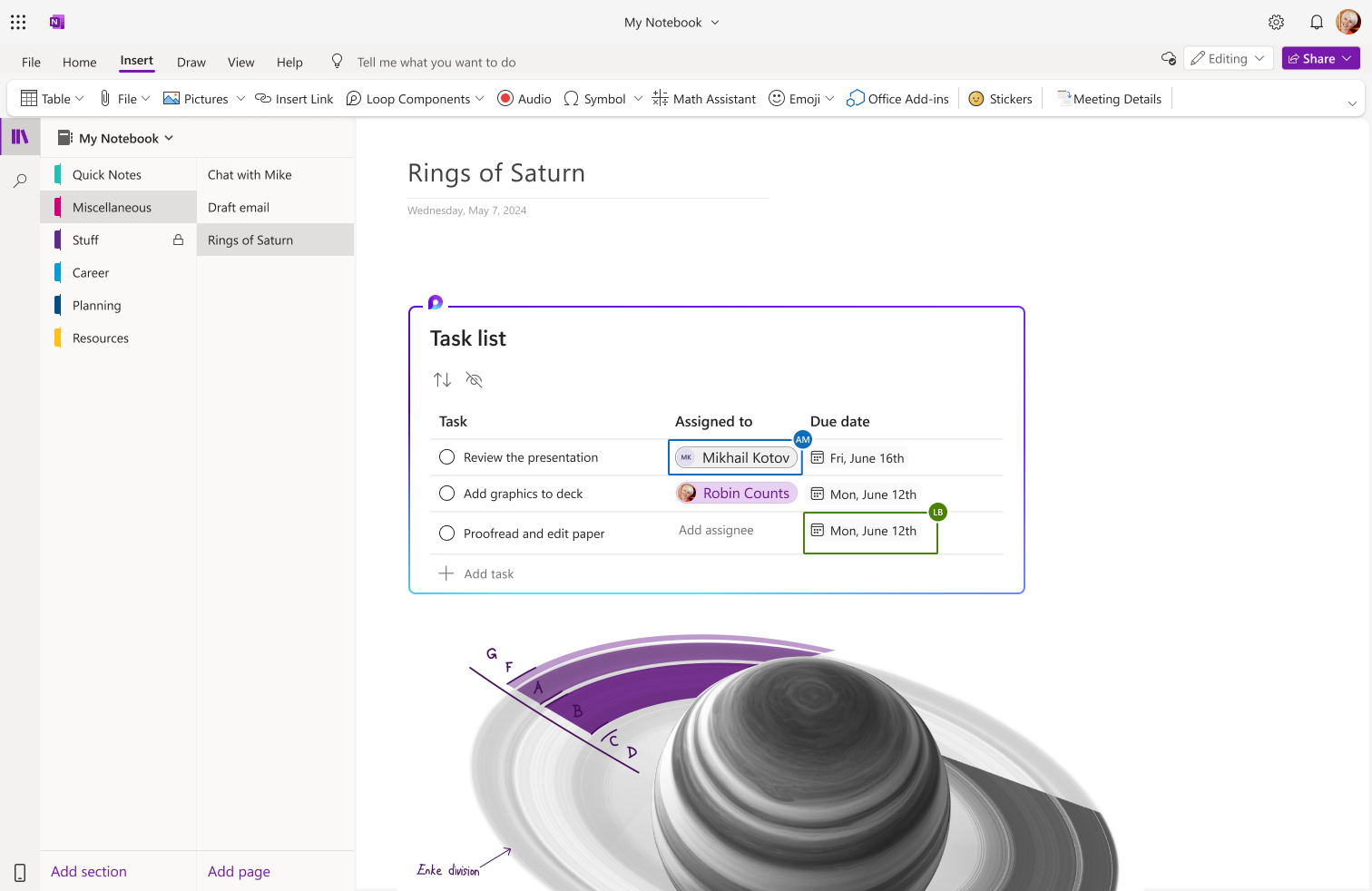
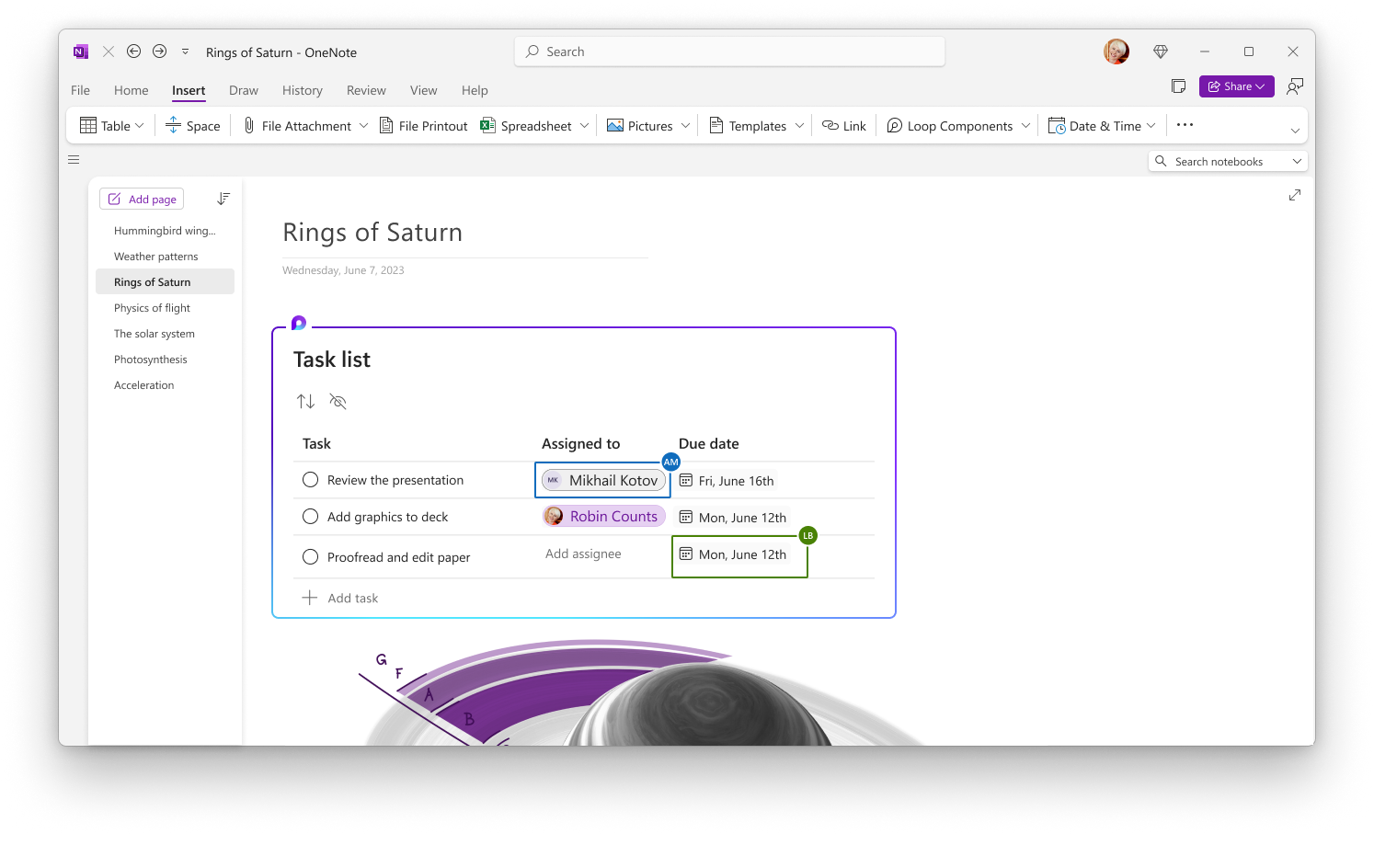
You can create or insert Loop components into your Microsoft OneNote notebook. This message is associated with Microsoft 365 Roadmap ID 379968 [When this will happen:] General Availability (OneNote Web): We will begin rolling out early April 2024 and expect to complete by early May 2024. General Availability (OneNote Desktop App): We will begin rolling out early June 2024 and expect to complete by mid-July 2024. [How this will affect your organization:] Navigate to Insert > Loop to create a new component or paste a link to an existing component to have it show up on your OneNote canvas.
OneNote Web:
OneNote Desktop:
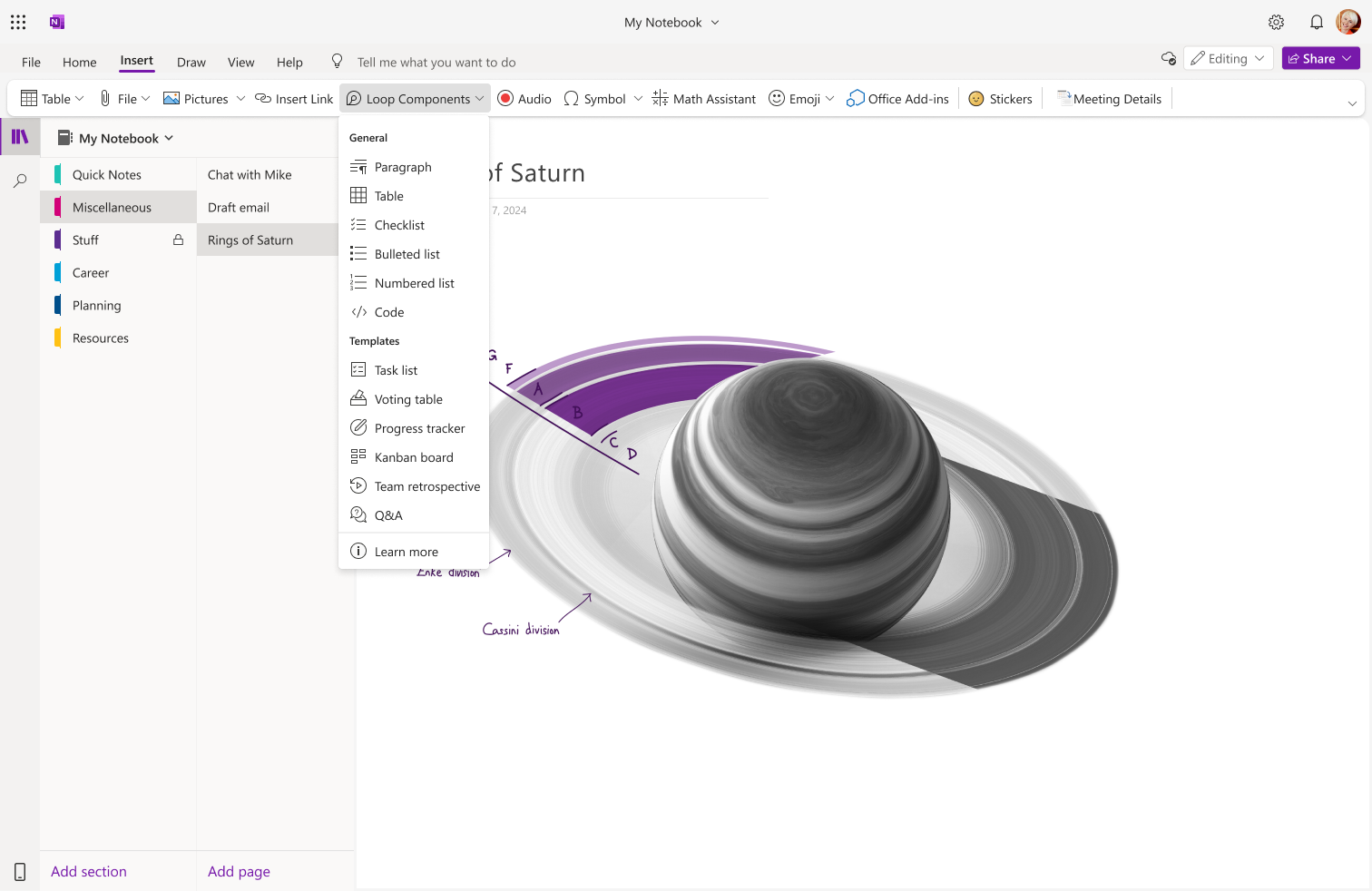
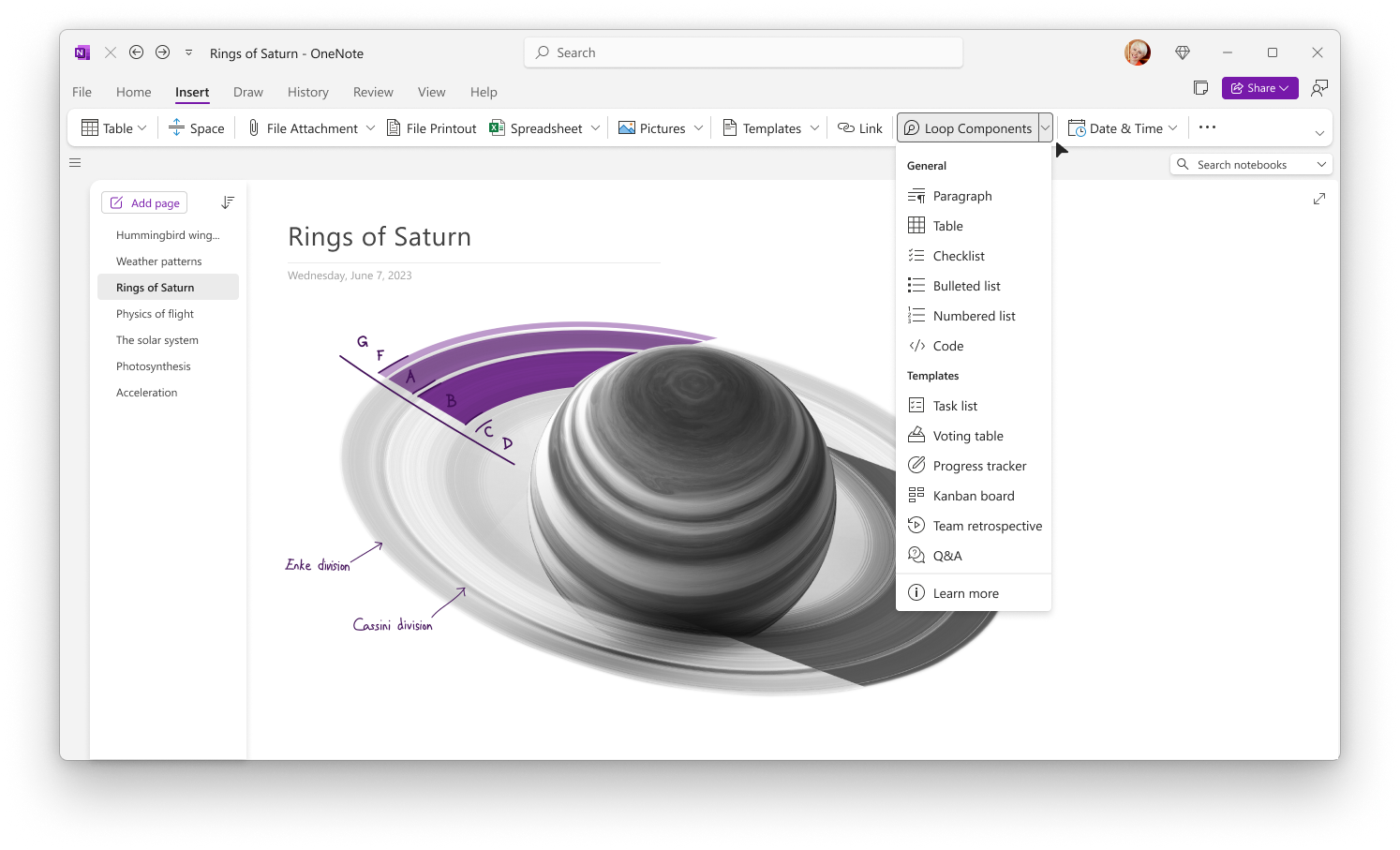
With Loop components in OneNote, users can:
OneNote Web: OneNote Desktop:
[What you need to do to prepare:] Tenant admins can configure cloud polices to enable/disable Loop components across Microsoft 365 for their users. Learn more about this here: Manage Loop components in OneDrive and SharePoint | Microsoft Learn. This rollout will happen automatically with no admin action required. You may want to notify your users about this change and update any relevant documentation as appropriate. Additional information: |
| Machine Translation |
ループ コンポーネントを作成したり、Microsoft OneNote ノートブックに挿入したりできます。 このメッセージは、Microsoft 365 ロードマップ ID 379968に関連付けられています [これがいつ起こるか:] 一般提供 (OneNote Web): 2024 年 4 月上旬にロールアウトを開始し、2024 年 5 月上旬までに完了する予定です。 一般提供 (OneNote デスクトップ アプリ): 2024 年 6 月上旬にロールアウトを開始し、2024 年 7 月中旬までに完了する予定です。 [これが組織に及ぼす影響:] [ループ>挿入] に移動して新しいコンポーネントを作成するか、既存のコンポーネントへのリンクを貼り付けて OneNote キャンバスに表示します。
OneNote Webの場合:
OneNote デスクトップ:
OneNote のループ コンポーネントを使用すると、ユーザーは次のことができます。
OneNote Webの場合: OneNote デスクトップ:
[準備に必要なこと:] テナント管理者は、クラウド ポリシーを構成して、ユーザーの Microsoft 365 全体でループ コンポーネントを有効または無効にすることができます。詳細については、「 OneDrive と SharePoint でループ コンポーネントを管理する |Microsoft Learn を参照してください。 このロールアウトは自動的に行われ、管理者の操作は必要ありません。この変更についてユーザーに通知し、必要に応じて関連ドキュメントを更新することをお勧めします。 追加情報: |