| MC611685 | Click Through Collaborative Annotations Layer in Teams Meetings |
|---|
| Classification | stayInformed |
|---|---|
| Last Updated | 06/27/2023 23:11:17 |
| Start Time | 06/27/2023 23:11:03 |
| End Time | 10/30/2023 07:00:00 |
| Message Content |
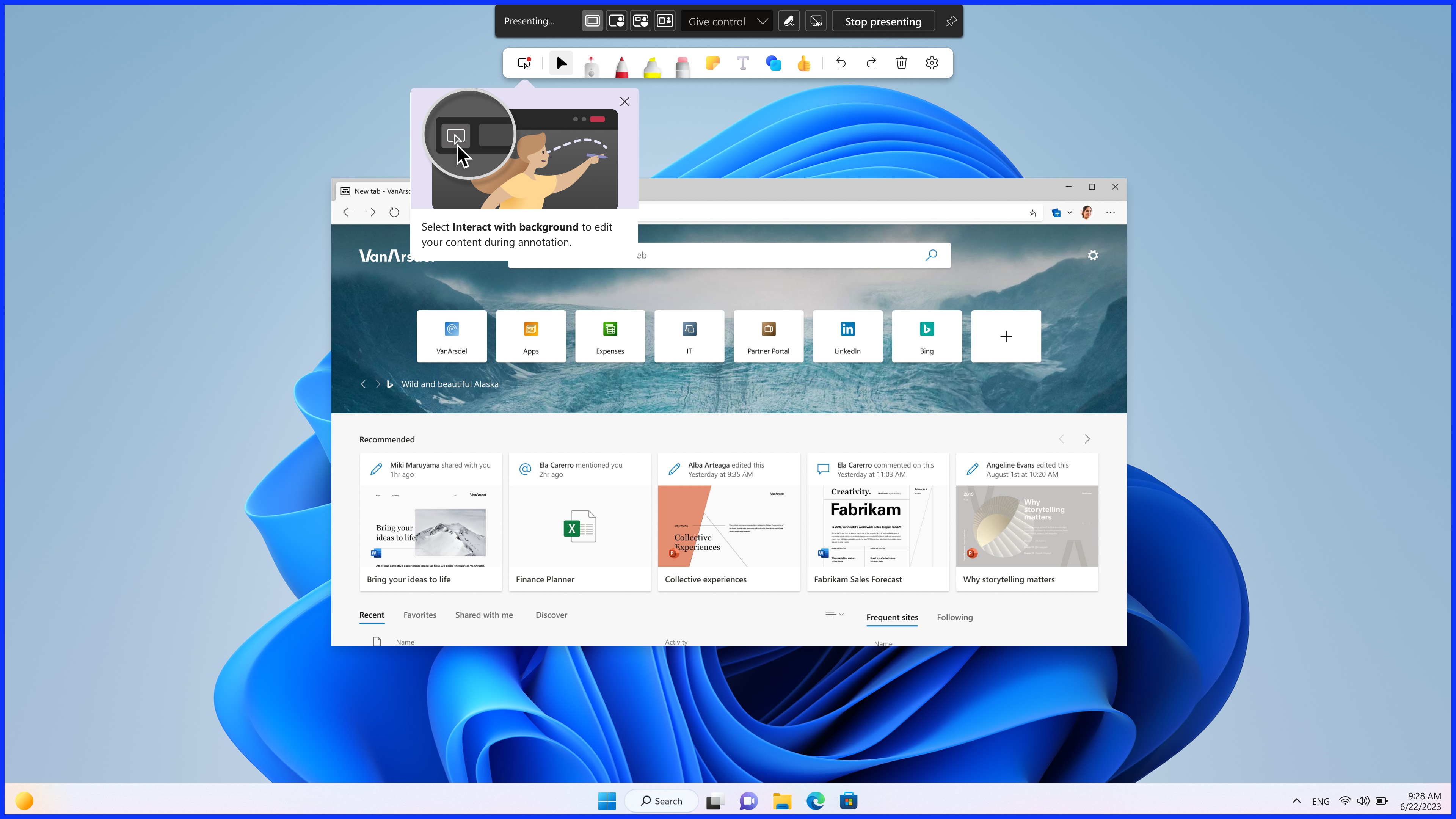
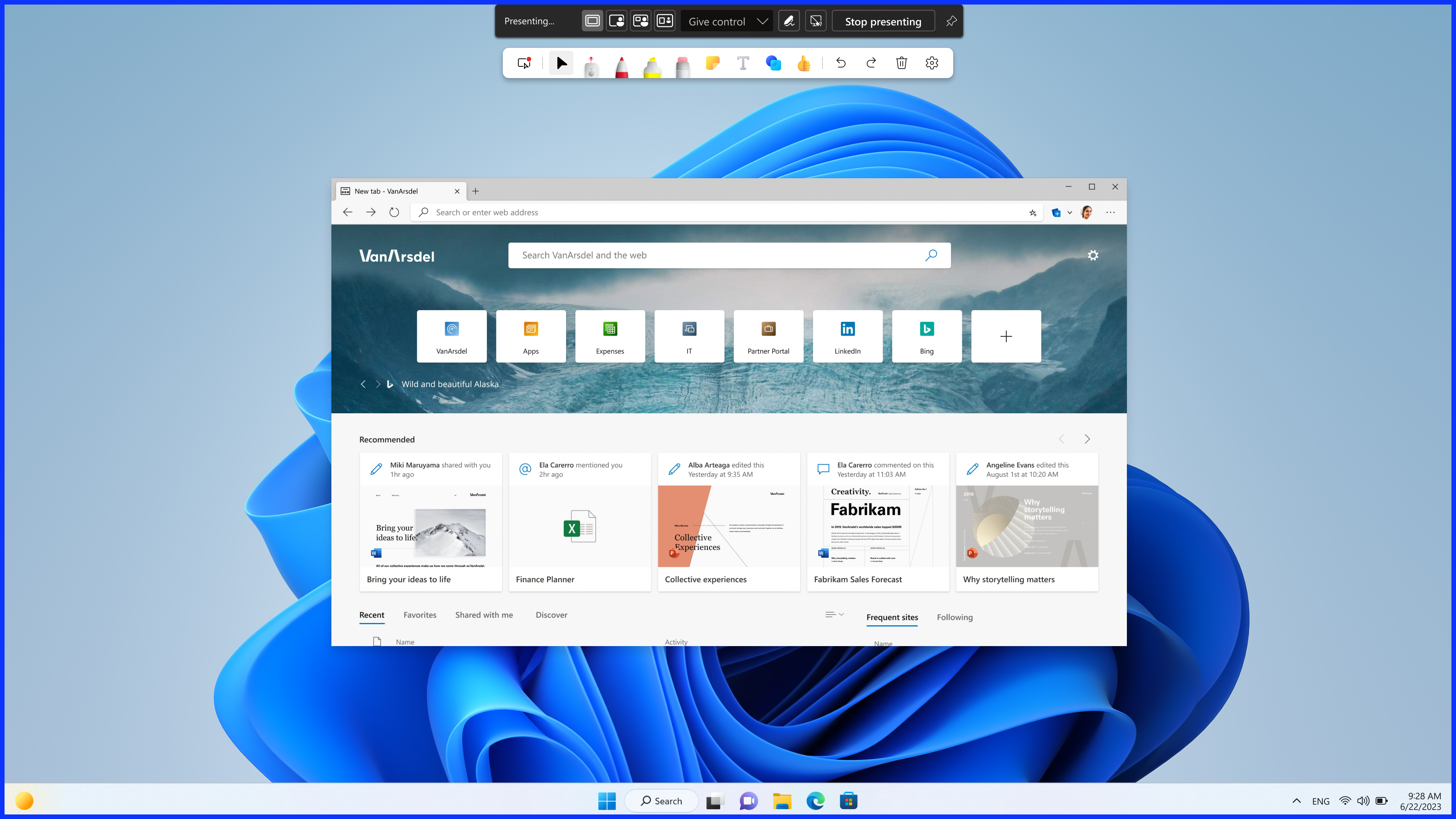
We are rolling out an enhancement to the current Collaborative Annotations experience whereby screen sharers can click through the annotations layer and interact with underlying content without stopping the existing annotation session. After a sharer initiates annotations from their presenter toolbar, sharers will be able to interact with their background to edit their content by default.
This message is associated with Microsoft 365 Roadmap ID 127900.
[When this will happen:] Standard Release: We will begin rolling out late July and expect to complete by mid-August. GCC-High and DoD: We will begin rolling out early August and expect to complete by mid-August. [How this will affect your organization:] Click through is available on desktop (Windows and Mac) and web. When users share their screen in Teams meetings and select Start annotation in the presenter toolbar, they will see a new button, Interact with background, in Microsoft Whiteboard toolset which allows them to interact with underlying content without stopping the existing annotation session.
[What you need to do to prepare:]
No preparation is needed. You may want to update your training materials indicating that the feature is now supported. |
| Machine Translation |
現在のコラボレーション注釈エクスペリエンスの機能強化を展開しており、画面共有者は注釈レイヤーをクリックして、既存の注釈セッションを停止せずに基になるコンテンツを操作できます。共有者がプレゼンターツールバーから注釈を開始すると、共有者はデフォルトで背景を操作してコンテンツを編集できます。
このメッセージは、Microsoft 365 ロードマップ ID 127900 に関連付けられています。
[これが起こるとき:] 標準リリース: 7 月下旬にロールアウトを開始し、8 月中旬までに完了する予定です。 GCC-Highと国防総省:8月初旬に展開を開始し、8月中旬までに完了する予定です。 [これが組織に与える影響:] クリックスルーは、デスクトップ(WindowsおよびMac)およびWebで利用できます。ユーザーが Teams 会議で画面を共有し、発表者ツール バーで [注釈の開始] を選択すると、Microsoft ホワイトボード ツールセット に新しいボタン [ バックグラウンドとの対話] が表示され、既存の注釈 セッションを停止せずに基になるコンテンツを操作できます。
[準備するために必要なこと:]
準備は必要ありません。トレーニング資料を更新して、この機能がサポートされるようになったことを示すことができます。 |