| MC635990 | Microsoft Purview Information Protection: Unsaved default label indicator |
|---|
| Classification | stayInformed |
|---|---|
| Last Updated | 07/11/2023 00:16:41 |
| Start Time | 07/11/2023 00:16:16 |
| End Time | 08/21/2023 07:00:00 |
| Message Content |
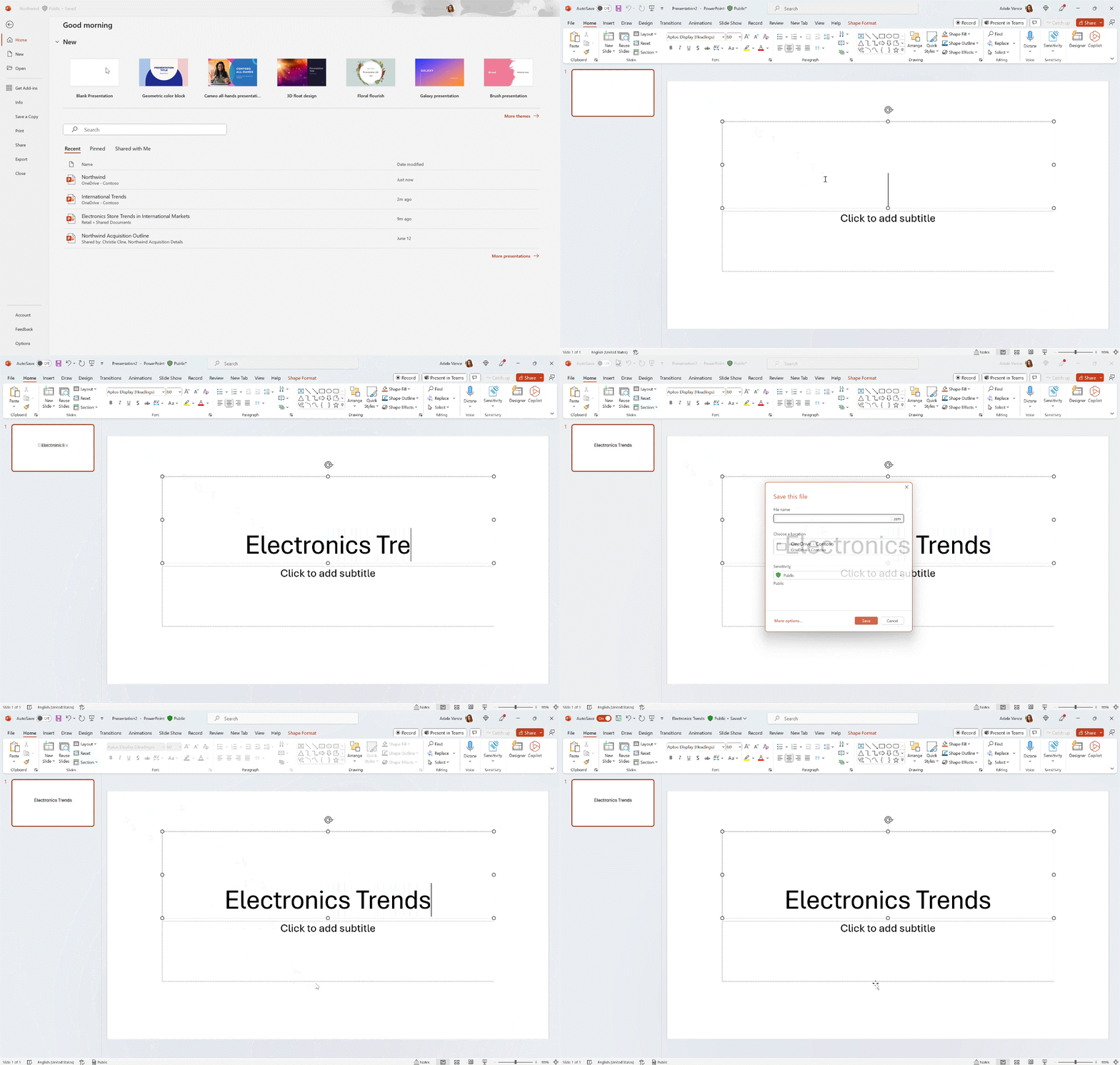
When default labeling of files is enabled in Word, Excel, and PowerPoint Microsoft 365 Apps for Windows, a default sensitivity label is applied to any unlabeled document when it is saved. To improve user confidence that default labeling is functioning, the sensitivity bar will now indicate that a label will be applied on next save when the user opens a new or previously unlabeled file. [When this will happen:] Standard Release: We will begin rolling out early July and expect to complete by mid-July. [How this affects your organization:] When the change is rolled out, when a user opens a new or previously unlabeled file and default labeling is enabled, the sensitivity bar will indicate that a label will be applied on next save. [What you can do to prepare:] You may consider updating your training and documentation as appropriate. |
| Machine Translation |
Word、Excel、および Windows 用 Microsoft 365 Apps PowerPoint でファイルの既定のラベル付けが有効になっている場合、ラベル付けされていないドキュメントを保存するときに、既定の秘密度ラベルが適用されます。既定のラベル付けが機能しているというユーザーの信頼を高めるために、ユーザーが新しいファイルまたは以前にラベル付けされていないファイルを開いたときに、次の保存時にラベルが適用されることが秘密度バーに表示されるようになりました。 [これが起こるとき:] 標準リリース: 7 月上旬にロールアウトを開始し、7 月中旬までに完了する予定です。 [これが組織に与える影響:] 変更がロールアウトされると、ユーザーが新しいファイルまたは以前にラベル付けされていないファイルを開き、既定のラベル付けが有効になっている場合、感度バーには、次回の保存時にラベルが適用されることが示されます。 【準備できること:】 必要に応じて、トレーニングとドキュメントを更新することを検討してください。 |