| MC523053 | (Updated) Microsoft Teams: Explicit Recording Consent for Teams Meetings |
|---|
| Classification | stayInformed |
|---|---|
| Last Updated | 09/19/2023 20:43:47 |
| Start Time | 03/03/2023 22:33:53 |
| End Time | 12/04/2023 07:00:00 |
| Message Content |
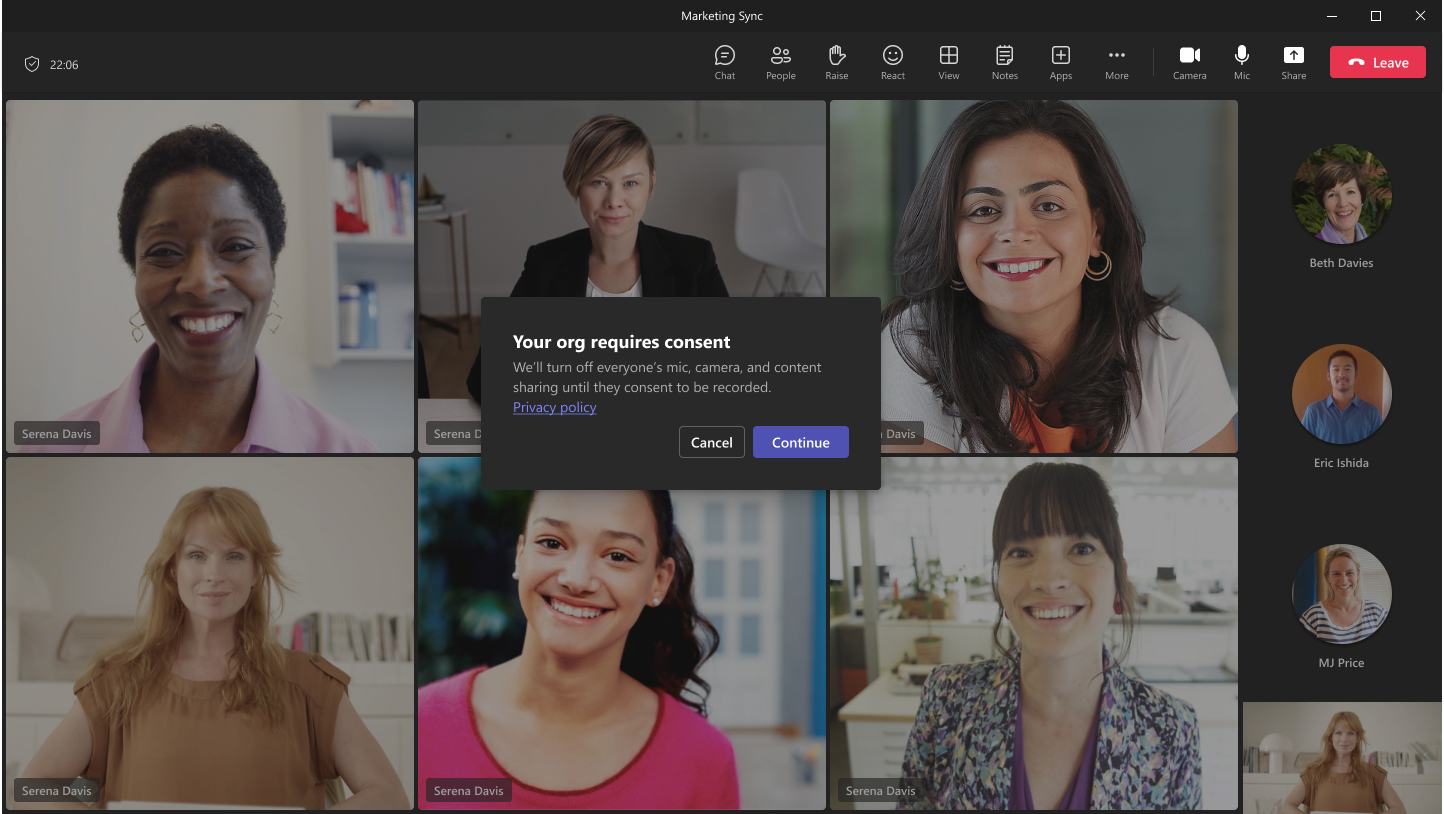
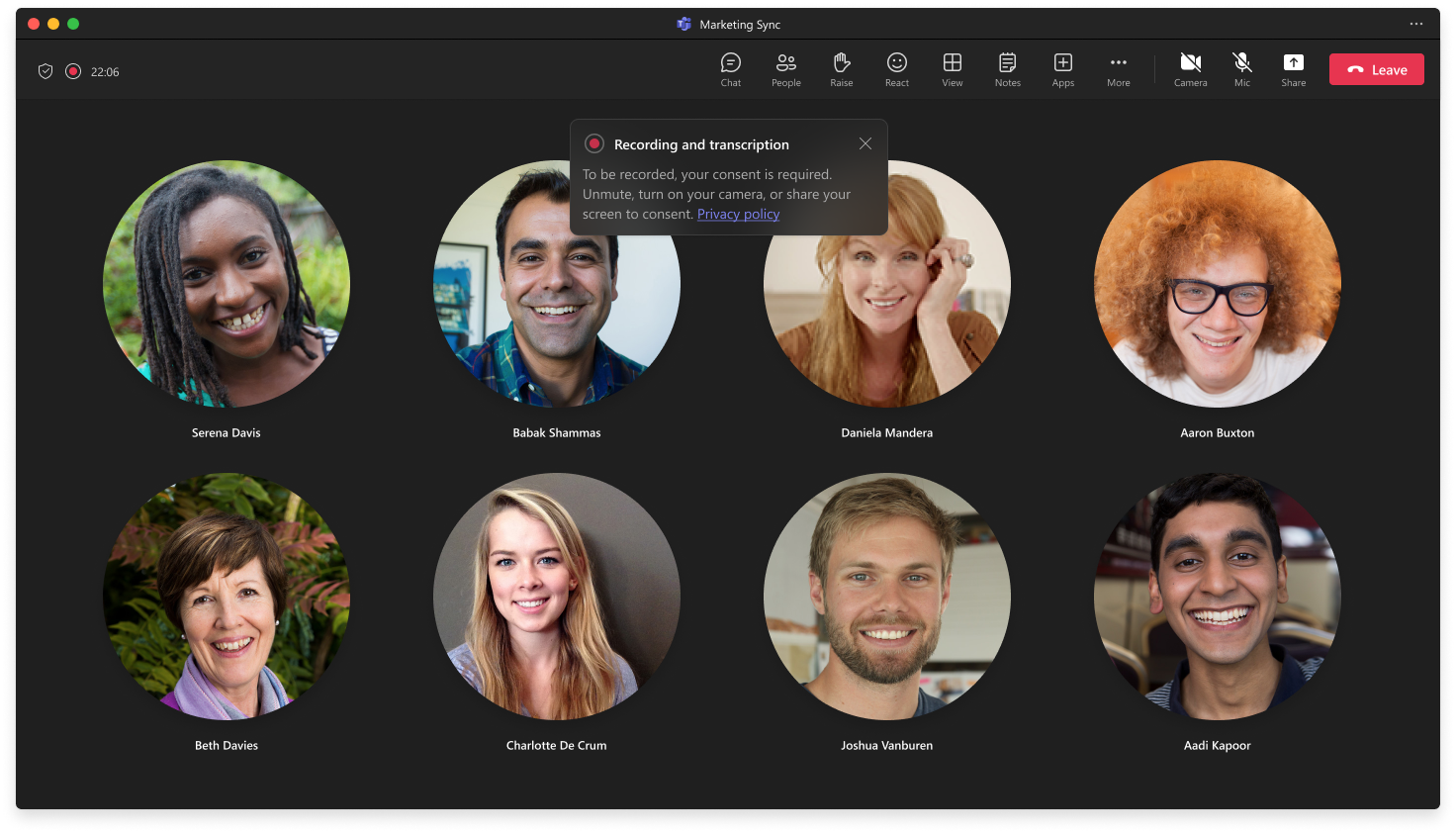
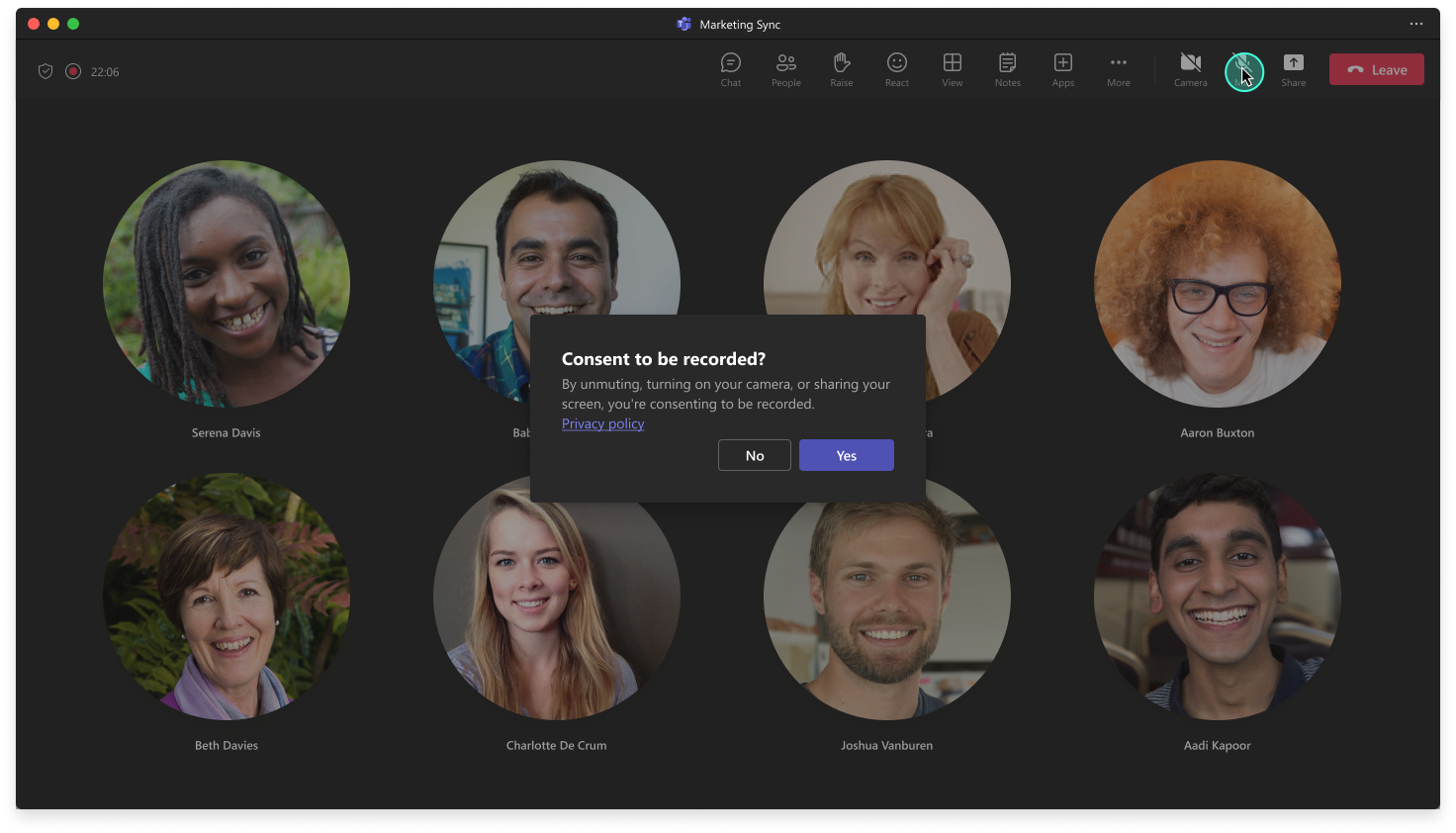
Updated September 19, 2023: We have updated the rollout timeline below. Thank you for your patience. Microsoft Teams is going to support an Explicit Recording Consent meeting policy. When the policy is applied, the Teams meeting window will request explicit consent of all participants to be recorded. Before a user gives consent, the user’s audio, video, and screenshare/consent-share won’t be captured in the meeting recording.
This message is associated with Microsoft 365 Roadmap ID 107781 [When this will happen:] Standard and GCC: We will begin rolling out in late March and expect to complete rollout by mid-April. – Complete GCC-High: We will begin rolling out in late May (previously late April) and expect to complete rollout by mid-June (previously early May). – Complete DoD: We will begin rolling out in mid-October 2023 (previously mid-September) and expect to complete rollout by late October 2023 (previously late September). [How this will affect your organization:] Explicit Recording Consent is OFF by default and is an IT admin policy-controlled feature. Admins can choose to enable the feature either for the entire tenant or for specific individuals based on their business needs. When the policy is applied, Teams meetings set up by these individuals will request explicit consent from all participants to be recorded.
Before a user gives consent, their audio, video, and screenshare/content-share will be disabled during the meeting. This will prevent their audio, video, and screenshare/content-share from being recorded.
Participants’ consent is logged and can be accessed as part of the Attendance Report. [What you need to do to prepare:] You may want to update your training materials indicating that this policy is now supported. Admins can use PowerShell to enable or disable this feature using the following examples, and the Teams Admin Center will soon support the policy setting as well.
Please keep in mind of the following dependencies and limits when deciding to enable the feature:
|
| Machine Translation |
2023 年 9 月 19 日更新: 以下のロールアウト タイムラインを更新しました。お待ちいただきありがとうございます。 Microsoft Teamsは、明示的な記録同意会議ポリシーをサポートする予定です。ポリシーが適用されると、Teams 会議ウィンドウでは、記録されるすべての参加者の明示的な同意が要求されます。ユーザーが同意する前に、ユーザーの音声、ビデオ、および画面共有/同意共有は会議の記録にキャプチャされません。
このメッセージは、Microsoft 365 ロードマップ ID に関連付けられています 107781 [これが起こるとき:] スタンダードとGCC: 3 月下旬にロールアウトを開始し、4 月中旬までにロールアウトを完了する予定です。-完成 GCC-High: 5 月下旬 (以前は 4 月下旬) にロールアウトを開始し、6 月中旬 (以前は 5 月上旬) までにロールアウトを完了する予定です。-完成 DoD: 2023 年 10 月中旬 (以前は 9 月中旬) にロールアウトを開始し、2023 年 10 月下旬 (以前は 9 月下旬) までにロールアウトを完了する予定です。 [これが組織に与える影響:] 明示的な記録の同意は既定でオフになっており、IT 管理者のポリシーによって制御される機能です。管理者は、ビジネス ニーズに基づいて、テナント全体に対してこの機能を有効にするか、特定の個人に対して機能を有効にするかを選択できます。 ポリシーが適用されると、これらの個人によって設定された Teams 会議は、すべての参加者に記録の明示的な同意を要求します。
ユーザーが同意する前に、会議中に音声、ビデオ、および画面共有/コンテンツ共有が無効になります。これにより、オーディオ、ビデオ、および画面共有/コンテンツ共有が記録されなくなります。
参加者の同意はログに記録され、出席レポートの一部としてアクセスできます。 [準備するために必要なこと:] このポリシーがサポートされるようになったことを示すトレーニング資料を更新することをお勧めします。 管理者は、PowerShell を使用して、次の例を使用してこの機能を有効または無効にすることができ、Teams 管理センターでもまもなくポリシー設定もサポートされるようになります。
この機能を有効にすることを決定するときは、次の依存関係と制限に注意してください。
|