| MC455516 | (Updated) Automatic migration of legacy Office 365 Message Encryption to Microsoft Purview Message Encryption |
|---|
| Classification | planForChange | |||||||||||||||
|---|---|---|---|---|---|---|---|---|---|---|---|---|---|---|---|---|
| Last Updated | 01/02/2024 21:58:10 | |||||||||||||||
| Start Time | 11/04/2022 01:26:50 | |||||||||||||||
| End Time | 02/26/2024 07:00:00 | |||||||||||||||
| Message Content |
Updated January 2, 2024: We have updated the timing of this change below. After retirement, any encrypted mail sent to shared mailbox protected with Microsoft Purview Message Encryption will have a link that can open the mail in Outlook on the web. This provides an equivalent flow to open messages protected using Office 365 Message Encryption.
As a reminder, the following PowerShell cmdlet parameter will be retired in New/Set-Transport rule cmdlet:
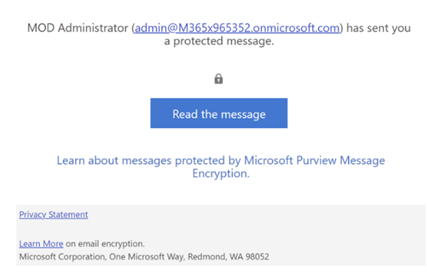
Note: If you use the Exchange Admin Center to create/modify a mail flow rule, the action will fail with a message to indicate the above functions have been retired. Microsoft Purview Message Encryption will replace and retire the legacy Office 365 Message Encryption (OME) in the Exchange admin center. If you don’t do anything, Microsoft will process all mail flow rules that currently applies OME protection to Microsoft Purview Message Encryption protection. With this change, recipients will receive a much more customizable notification mail. Retirement of OMEv1 is coming in 2 phases
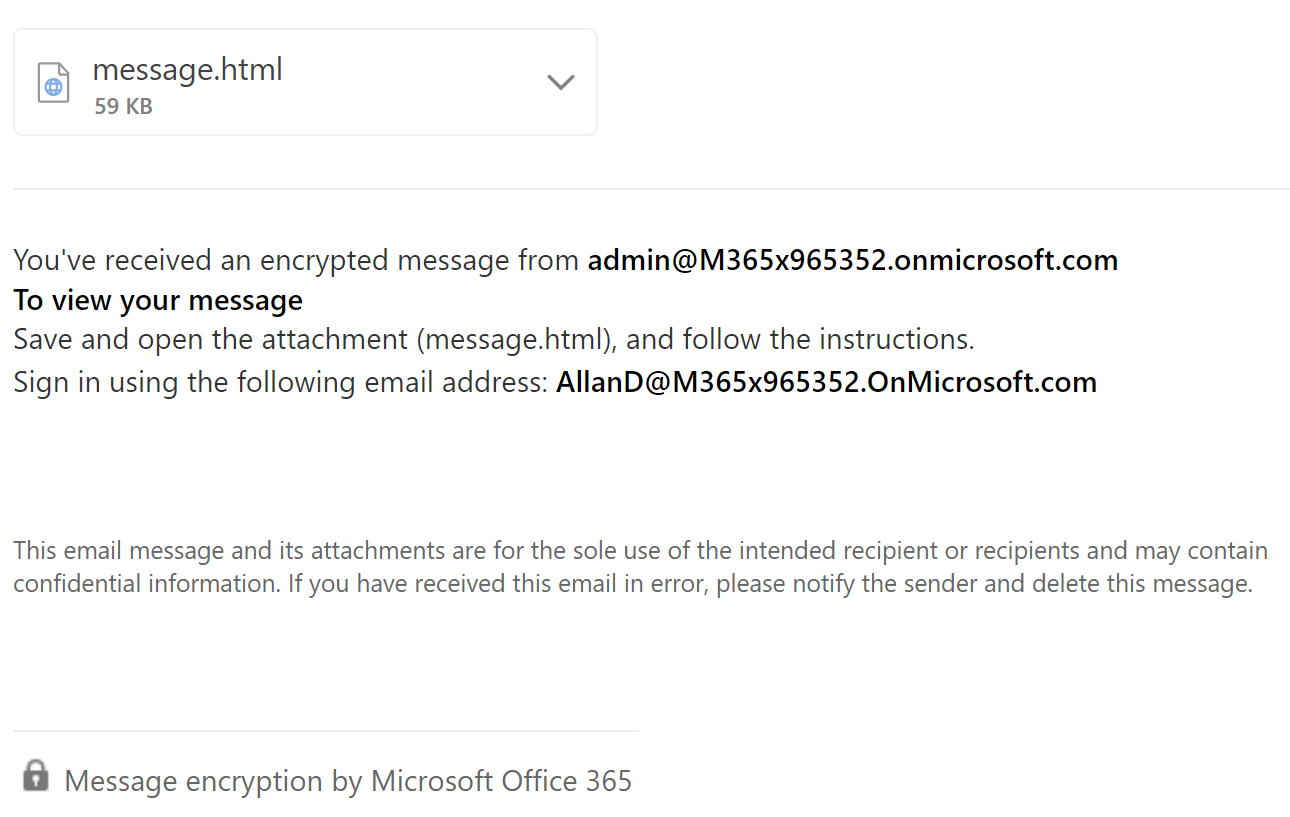
For customers who need an exception to do OMEv1 mail flow rule updates between June 30th and Dec 31st, open a support ticket to request the exception. Finally, we recommend all customers that use OMEv1 to receive email into a shared mailbox we highly recommend requesting the exception. We are targeting to release additional changes in Q3CY23 that will improve the shared mailbox experience. [How this will affect your organization:] Microsoft Purview Message Encryption is a more secure and flexible solution to provide encrypted mail to anyone inside or outside your organization, with an enhanced user experience for recipients. For example, with OME, all recipients receive an HTML attachment to open an encrypted mail. This has been greatly improved with Outlook clients for Microsoft 365 users who can now view the message inline. Non-Microsoft 365 users will instead receive a linked-based experience to open the mail. Additionally, supported attachments are also encrypted on download to protect sensitive data at rest. Office 365 Message Encryption Microsoft Purview Message Encryption The behavioral differences and different types of recipients are described in the following table.
*The encrypted attachments provide extra security by protecting the stored file at rest. Applications that can open Office documents may not be compatible with RMS protected Office documents. Admins can provide the same behavior as OME by enabling a global configuration to download Encrypt-only attachments without encryption: Set-IrmConfiguration – DecryptAttachmentForEncryptOnly $true
**By modifying existing the mail flow rules to apply Purview Message Encryption protection, external M365 recipients will receive encrypted mail containing a message.rpmsg attachment and supported Outlook clients can provide show the mail content directly in the application. [What you need to do to prepare:] If you want to compare the behavior before the deprecation, you can modify and test the changes with your mail flow rules by following the steps outlined in this documentation: Define mail flow rules to use Microsoft Purview Message Encryption Learn more: How Microsoft Purview Message Encryption works |